88fs — Spinner Star: Reel Action Built for Your Account
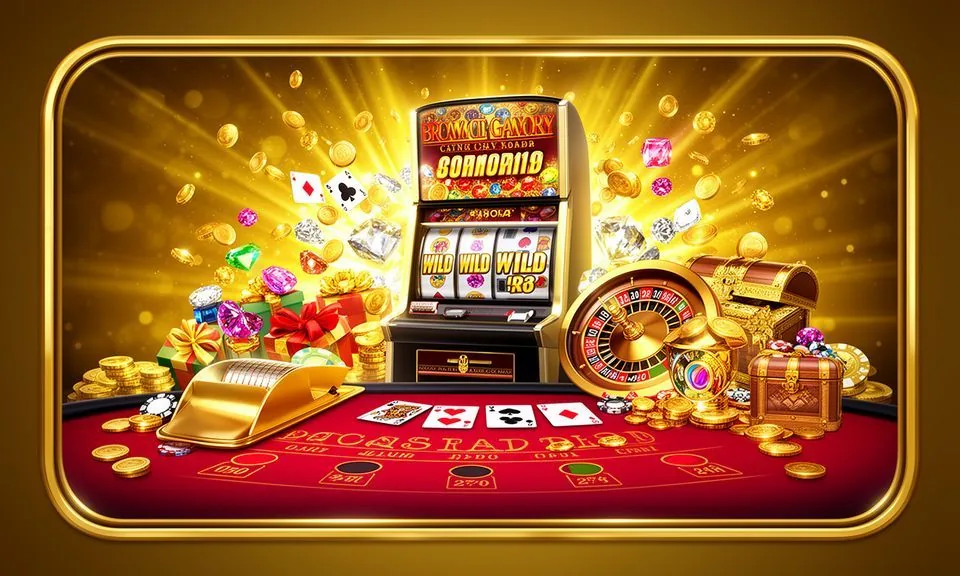
Spinner Star sits in the slots lobby at 88fs — a reel game built around its spin-feature mechanic, with a bright star theme and betting controls you can read at a glance. Open your account, head to the slots category, and Spinner Star is one of the headline titles you will find waiting there.
Spinner Star is a reel-based slot game you will find under the slots category in the 88fs lobby. Its core identity is the star motif — symbols, background and the feature round all carry that visual thread consistently. The game runs on a standard reel grid, and the betting panel is clearly laid out so you can set your stake before each round without hunting through menus. RTP and volatility figures are shown only where the game or its content provider publishes them; check the in-information panel once you load the title to read whatever the provider has made available.
GAMEPLAY MECHANICS
How Spinner Star Plays Round to Round
Betting Panel
The stake controls in Spinner Star sit at the bottom of the game screen. You set your bet per line or total bet before spinning — the panel shows your current balance alongside the selected stake so there is no ambiguity about what each round costs before you confirm it.
Spin Feature Round
The game's defining mechanic is its spin-feature trigger. When the qualifying symbol combination lands on the reels, the feature round activates. The exact trigger condition and what it awards are published inside the game's own rules panel — open it before your first session to read the specifics.
Reel Grid and Paylines
Spinner Star uses a fixed reel grid with a set number of paylines. Winning combinations run across those lines according to the paytable shown in-game. Star symbols carry the higher pay values; check the paytable tab for the full symbol hierarchy before choosing your stake level.
Mobile Session Feel
Load Spinner Star on your phone browser and the layout reflows cleanly — the spin button scales to a comfortable thumb target and the bet controls remain accessible without zooming. Sessions carry across devices; your balance and bet history are tied to your account, not your device.
TRANSPARENCY AND CONTROLS
Published Information and Visible Game Data
RTP Disclosure
We do not publish invented RTP figures. The return-to-player percentage for Spinner Star is visible only where the content provider has chosen to disclose it. Open the in-game info or rules panel after loading the title — if the provider has published an RTP, it will appear there.
Volatility Category
Volatility describes how frequently a slot pays out relative to the size of those payouts. Spinner Star's volatility classification, if disclosed, appears in its in-game rules section. We keep that information where the provider places it and do not add our own characterisation on top.
Browser and Device Path
Spinner Star runs in any modern mobile or desktop browser at 88fs — Chrome, Firefox and Safari all load the game without plugins. On mobile, navigate to the slots category in the lobby, search for Spinner Star, and tap to load. No app installation is required for the slot to run.
Rules Panel Access
Every published rule for Spinner Star — paytable, feature conditions, bet range and any disclosed statistical data — lives inside the game's own information panel. Tap or click the information icon once the game loads. That panel is the authoritative source; our lobby copy is a navigation aid only.
HELP WITH THIS GAME
Get Help During a Spinner Star Session
Live Chat Support
If Spinner Star fails to load or a round does not resolve as expected, open the live chat widget from any page in your account. Describe the game name and what you observed — our support team can check your session record and advise on next steps.
Account Wallet Check
Any completed Spinner Star round that affects your balance is logged in your account wallet history. If you see an unexpected balance change, open the wallet transaction list under your account settings — the entry will show the game, round time and amount before you contact support.
Game Rules Reference
For questions about how Spinner Star's spin feature triggers or how the paytable works, the in-game rules panel is the first place to check. It is the provider's own documentation and will answer most mechanics questions without needing to contact us.
WHAT WE STAND BEHIND
How 88fs Presents Spinner Star Honestly
No Invented Stats
We do not attach RTP percentages or volatility labels to Spinner Star unless the provider publishes them. Every figure you read in the game's information panel came from the provider's own disclosure — we have not added, adjusted or rounded any of those numbers on our end.
Lobby Category Navigation
Spinner Star is listed under the slots category in the 88fs lobby. You can reach it by browsing that category or using the search field. The category filter shows reel games grouped together, so comparing Spinner Star against similar titles like Slot Blenders takes one tap to set up.
Account Record Accuracy
Each Spinner Star round writes a transaction line to your account wallet the moment it settles. That record is the authoritative source for your session results — not a summary screen. If a discrepancy ever appears between the game display and your wallet, contact support with the round time noted.
Availability by Region
Access to Spinner Star at 88fs depends on your location and applicable local law. We make the game available in regions where we are able to serve eligible accounts. If the title does not appear in your lobby, the eligibility or region conditions shown in your account settings will explain why.
GAME TERMS EXPLAINED
Spinner Star Slot Terms You Should Know
What does RTP mean in a slot game like Spinner Star?
RTP stands for Return to Player — the percentage of total wagers a slot is designed to pay back over many rounds. It is a statistical measure across all sessions, not a promise for any individual spin or session.
What is a spin feature in Spinner Star?
A spin feature is a secondary round triggered by a specific symbol combination on the reels. It runs under different rules from the base game — the exact conditions and awards for Spinner Star's feature are published in its in-game rules panel.
What does volatility mean for a reel game?
Volatility describes the payout pattern of a slot — high volatility means larger but less frequent wins; low volatility means smaller but more regular payouts. It helps you match a game's rhythm to the kind of session you want to have.
What is a payline in Spinner Star?
A payline is a fixed path across the reels along which matching symbols must land to form a winning combination. Spinner Star's available paylines and how they are counted are set out in the in-game paytable.
What does the paytable show?
The paytable lists every symbol in the game alongside its payout value for different combination lengths. It also details any special symbol roles — wilds, scatters, feature triggers — so you know what each icon does before you start spinning.
What is a scatter symbol in a slot?
A scatter is a special symbol that pays or triggers a feature regardless of its position on the reels, unlike standard symbols that must land on a payline. Whether Spinner Star uses a scatter is confirmed in its in-information panel.
COMMON QUESTIONS
Spinner Star Questions from the Lobby
Where do I find Spinner Star in the 88fs lobby?
Open the slots category from the main lobby navigation. Spinner Star is listed there among the reel games. You can also type the game name into the lobby search field and it will surface directly. No extra steps are needed once your account is open and funded.
Can I play Spinner Star on my phone without downloading anything?
Yes. Spinner Star loads in your mobile browser — Chrome or Safari on Android and iOS both work. Open the 88fs lobby, go to slots, and tap the game. The layout adjusts to your screen size automatically, and your account balance is the same as on desktop.
How do I deposit to my account so I can play Spinner Star?
Log in and open the deposit section of your account. Nagad and Bank Transfer are the verified payment rails we support for Bangladesh accounts. Follow the fields and limits shown on the deposit screen — the instructions there are specific to your account and region.
Where can I read the official rules for Spinner Star's feature round?
Tap the information or rules icon inside the game after it loads. That panel contains the provider's published documentation — trigger conditions, feature rules, paytable and any disclosed statistical data. It is the authoritative source; do not rely on third-party summaries.
What happens if Spinner Star disconnects mid-round?
If your connection drops during a round, the game typically resumes from where it left off when you reconnect and reload. Your account wallet will reflect whatever outcome the round reached on the server. If the balance looks wrong after reconnecting, check your transaction history first, then contact live chat.
Is Spinner Star available to all accounts in Bangladesh?
Availability depends on your location and the applicable local law for your region. If Spinner Star does not appear in your lobby, check the eligibility notice in your account settings. We serve eligible regions where we are able to operate; access is not uniform across all areas.
 Live / Slots